How to Use Social Media to Grow Your Dental Clinic: 11 Simple Recommendations (2026 Edition)

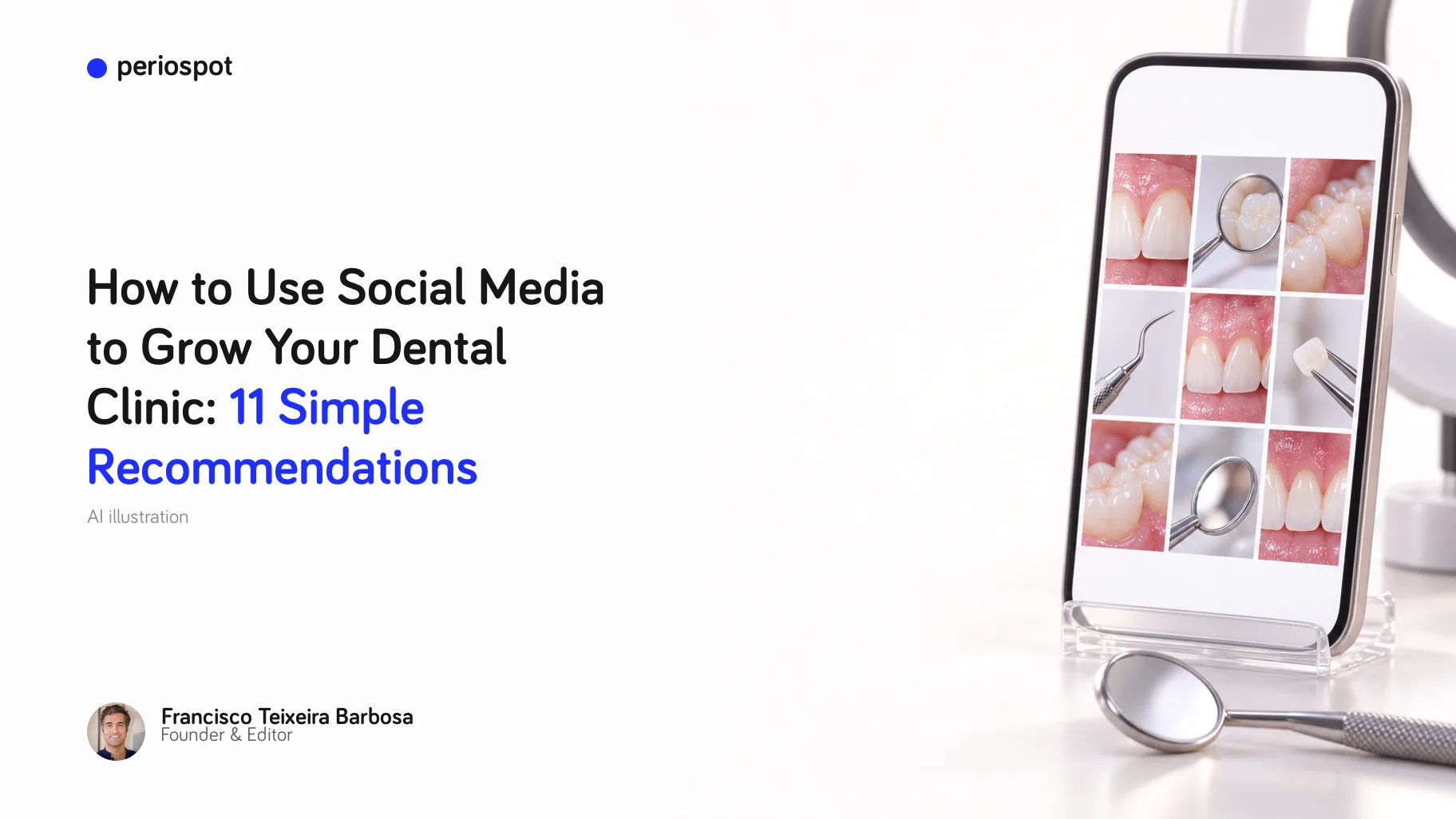
Table of Contents
I published this article in March 2020, in the middle of the lockdown, when nobody knew when clinics would open again. Clinics did open again. And social media changed more in these six years than in the ten before.
Short vertical video took over. Instagram and TikTok now show you posts from people you do not follow. And many patients look at a clinic's profile, and its Google reviews, before they ever call.
One thing did not change: in dentistry, everything is about trust. A large review of 31 studies, with more than 72,000 adults, estimated that about 15 in every 100 adults have dental fear or anxiety [1]. Those people will not book because of a discount. They book when they feel they know you.
So here are my 11 recommendations, updated for 2026.
Disclosure: some links in this article are affiliate links. If you sign up or buy through them, Periospot may earn a commission at no extra cost to you. Periospot Labs is my own product.
1. Start with a short audit
"Audit" sounds scary, but it takes one hour. You only want to know where you are today. Open a Google Sheet and fill one row per account:
| Field | Example |
|---|---|
| Profile link and handle | instagram.com/clinicalopez, @clinicalopez |
| Who manages it | Ana, front desk |
| Main goal | Show the team and the clinic, so new patients feel at home |
| Top 3 posts of the last 90 days | By saves, shares and comments, not only likes |
| Numbers to follow each month | Followers, reach, saves and shares, and messages that became appointments |
| Who follows you | Age, city and gender, from the account's own statistics |
All the numbers are free inside each app: the professional dashboard on Instagram, Meta Business Suite for Facebook and Instagram, TikTok's analytics and YouTube Studio.
2. Choose two channels, not five
A small team cannot do five networks well. Choose two and do them every week.
- Instagram is still the default for most clinics. Facebook reaches older patients and their families.
- TikTok and Reels make sense if your patients are young: orthodontics, aligners, whitening.
- YouTube is for longer answers that people search for, like "what happens during an implant surgery".
- LinkedIn is for the dentists who refer patients to you, not for patients.
And before any of them: your Google Business Profile. I explain why in my article on 6 online marketing tools for a real clinic.
3. Position yourself as the expert
The easiest content plan in the world is the list of questions your patients ask you. Write them down for one week. Each question is a post, a short video or an article.
Answer them well, in plain words, and patients will find those answers when they search on Google, on YouTube and inside Instagram. That is how you become "the dentist who explains things" in your city.
4. Your team is your best ambassador
Posts from a business page often reach few people. Posts shared by your team reach their friends and families, who already trust them.
Make sharing easy: tell the team when there is a new post, show them in the posts (with their permission), and celebrate their work. But never force anyone to share. A forced share looks forced.
5. Balance clinical and human content
If every post is technical, people stop watching. If every post is a team lunch, people forget you are a clinic.
A good mix is one clinical post, one human post and one useful tip. A before-and-after with the story behind the case works very well. But you need the patient's written consent for any clinical photo, and you must follow the rules on healthcare advertising in your country.
6. Use humor, with care
Showing that you are human, and that you can laugh, is a huge asset. Patients with dental fear relax when the clinic does not look like a hospital.
Just keep two rules: never joke about a patient, and never joke about pain. A few years ago, one of my posts was a simple joke about homemade treatments: the water running from the tap was the toothache, and the scissors were "any homemade treatment". It was shared 373 times.
7. Make beautiful, consistent images
Almost no dentist is a graphic designer (although we are all experts in PowerPoint and Keynote). Today you do not need to be one:
- Canva has a free plan, with templates for posts, stories and presentations.
- Placeit, from Envato, gives you ready-made templates and mockups, with unlimited downloads in one subscription.
- Unsplash is still my favourite place for free, beautiful stock photos.
But your own photos always win. If you want to start, I explain the camera, lens and flash in dental photography equipment for dentists.
My tip: choose one colour palette, two fonts and one style of photo, and never change them. Consistency is what makes people recognise you in the feed.
8. Make short videos
In 2020 I recommended Animoto. In 2026 the tools are simpler, and they do much more:
- CapCut is free to start, works on your phone and your computer, and adds captions automatically.
- Riverside records interviews in studio quality, and its Magic Clips feature cuts short clips from a long recording.
- InVideo creates a first version of a video from a script or a text. It has no free plan, so try the others first.
For the setup, a recent phone, a small LED light and a clip-on microphone are enough. A plain background helps a lot: Savage background paper, for example in Thunder Gray, works well. And if you want to see how far AI video can go, I told the whole story in how I grew 13,000 new Instagram followers in under two weeks. Read it here, and see also dental video marketing without a video editor.
9. Schedule your posts
Posting every day by hand turns you into a slave of your phone. Plan the month in one afternoon instead.
- Meta Business Suite is free, and it schedules posts for Facebook and Instagram.
- SocialPilot schedules posts for many networks from one calendar.
10. Create content that helps patients
The best post answers a question that a patient really has. The formats that work today:
- Carousels that explain one treatment in 5 to 8 slides.
- Short videos that answer one question in under a minute.
- Before-and-after cases with the story behind them (with consent).
- Simple checklists: what to do after an extraction, how to clean around an implant.
If you want help making carousels and short videos from clinical topics, Carousel Studio and Video Studio are part of Periospot Labs, my own product. The Starter plan includes five carousels a month [2]. I show my own process in how I make dental carousels.
11. Keep learning, and find your community
Social media changes every year, so keep learning a little every month:
- On Coursera, the Meta Social Media Marketing Professional Certificate has six courses for beginners. Coursera estimates about five months at ten hours a week [3].
- If you are a young dentist, the Straumann Young Professional Program is free to join and offers courses, events and a network of colleagues [4].
And these four books are still on my shelf:
 This Is Marketing, Seth Godin
 Tribes, Seth Godin
 One Million Followers, Brendan Kane
 Can You Hear Me?, Nick Morgan
Short on time? Blinkist has short summaries of many non-fiction books.
Conclusion
You do not need to be everywhere. You need two channels, a simple plan, and the patience to answer your patients' real questions, week after week.
Start with the audit this week. Next month, choose your two channels. By the end of the year, the patients who were afraid of the dentist will feel they already know you.
I would love to hear what works in your clinic. Write to me at cisco@periospot.com, or leave a comment below.
References
- Silveira ER, Cademartori MG, Schuch HS, Armfield JA, Demarco FF. Estimated prevalence of dental fear in adults: a systematic review and meta-analysis. J Dent. 2021;108:103632. doi:10.1016/j.jdent.2021.103632
- Periospot Labs. Pricing. periospot.com/labs/pricing
- Coursera. Meta Social Media Marketing Professional Certificate. coursera.org
- Straumann Young Professional Program. straumann.com
Tools, plans and prices checked on 1 October 2026.
Comments
0 totalLoading comments...
Previous
6 Online Marketing Tools a Real Dental Clinic Can Use in 2026
Next
Best Electric Toothbrushes in 2026: A Dentist's Picks for Every Budget