6 Online Marketing Tools a Real Dental Clinic Can Use in 2026

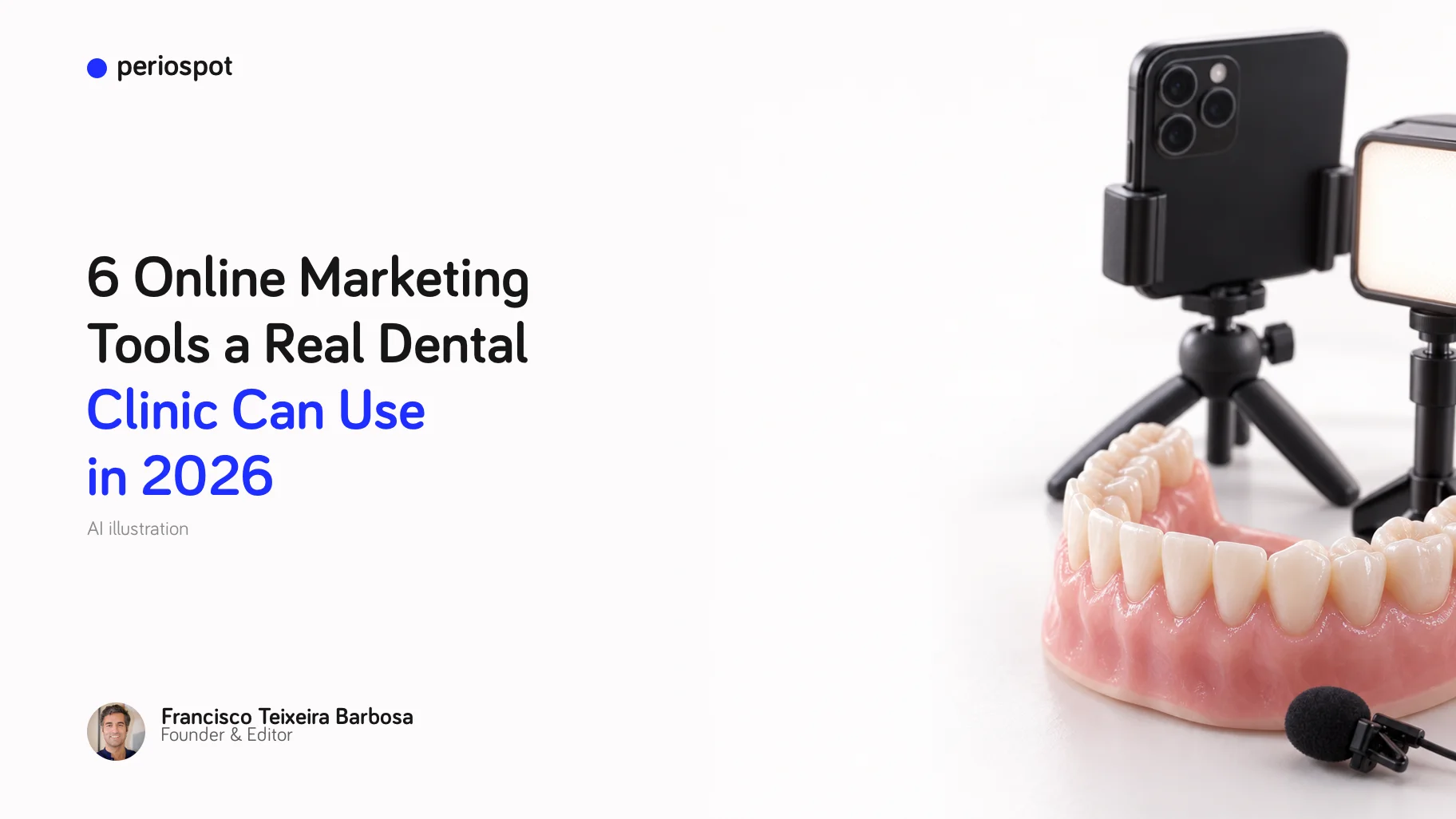
Table of Contents
In 2019 I opened this article with an imaginary barbecue. While you turned the coals, your brother-in-law predicted that one day anyone could build a website and do online marketing without any computer skills. And you asked him to pass more wood.
Seven years later, the brother-in-law wins.
But the tools changed. Half of the tools from my 2019 list closed their partner programs, changed their product, or simply stopped being the best choice. And patients now find clinics in new ways: on Google Maps, through reviews, and in 30-second videos.
So this is not an update. It is a new list, written for a real clinic: a small team, a small budget, and no marketing department.
Disclosure: some links in this article are affiliate links. If you sign up through them, Periospot may earn a commission at no extra cost to you. Periospot Labs, at the end, is my own product.
How I chose the tools
Every tool on this list had to pass three tests:
- A clinic can start using it this month.
- It is free to start, or it has a free trial.
- You do not need to be good with computers.
| Tool | Job | Cost to start |
|---|---|---|
| Google Business Profile | Be found on Google Maps and collect reviews | Free |
| Squarespace | A website and booking page you own | 14-day free trial |
| Canva and Placeit | Design posts, leaflets and mockups | Canva has a free plan |
| CapCut | Edit short videos for Reels, TikTok and Shorts | Free to start |
| Riverside | Record interviews and patient questions in studio quality | Free plan |
| Mailchimp | An email list that belongs to you | Free up to 250 contacts |
1. Google Business Profile: be found on Google Maps
If you only do one thing after reading this article, do this one.
Your Google Business Profile is the card that appears when someone searches for your clinic, or for "dentist near me", on Google Search and Maps. It shows your hours, phone, website, location, photos and reviews. And it is free [1].
Many patients choose a clinic from the map and the stars before they open any website. So this card is often your real front door.
What to do this week:
- Claim and verify your profile.
- Add real photos: the waiting room, the team, the outside of the building. No stock photos.
- Ask happy patients for a review. The best moment is the end of a treatment that went well.
- Answer every review, good or bad, in a calm and polite way. Never confirm that someone is your patient, and never mention a treatment in your reply. Patient privacy comes first.
2. Squarespace: a website and a booking page you own
In 2019 I asked you: do you remember MySpace? The same thing can happen to any social network. They can change their rules, or their algorithm, overnight. Your website is the only place on the internet that is really yours.
Squarespace lets you build a clean website from a template, without code. Every website starts with a 14-day free trial [2]. Squarespace also sells online scheduling and email campaigns as separate products, so you can add online booking and a newsletter later, in the same place.
What a clinic website needs, and nothing more: who you are, what treatments you offer, real photos of the team, how to find you, and one clear button to book. That is it.
I built my first website with FTP and a complicated Adobe program. It was called franciscobarbosaimplantology.com. Nobody could spell it. Choose a short name.
Start a free Squarespace trial
3. Canva and Placeit: design without a designer
Canva has a free plan, and it is enough for most clinics: Instagram posts, patient leaflets, before-and-after layouts and simple presentations.
Placeit, from Envato, is the shortcut when you need something ready-made: logos, mockups, social media templates and short promo videos. One subscription gives you unlimited downloads [3].
My tip: create one brand kit first (your logo, two colours and two fonts) and use it in every design. A clinic that looks the same everywhere looks more professional than a clinic with beautiful but random posts.
4. CapCut: short videos for Reels, TikTok and Shorts
In 2019 my video tool was Animoto. Today it would be CapCut. It is free to start, it works on desktop, on the web and on your phone, and it creates captions automatically [4].
Captions matter, because many people watch videos with the sound off.
Video ideas that work for a clinic:
- What happens at your first visit, in 30 seconds.
- How to clean around an implant.
- Meet the team: one person, one question, one answer.
- The question every patient asks you this week, answered in under a minute.
Important: get written consent before you film any patient, or show any photo of their mouth. Check the rules on healthcare advertising in your country, too.
5. Riverside: record interviews and patient questions in studio quality
Riverside records each person on their own device, in high quality (up to 4K on the paid plans), with separate audio and video tracks. On the paid plans it also makes transcripts, and its Magic Clips feature cuts short clips for social media from a long recording [5].
There is a free plan to try it: two hours of recording at 720p, with a watermark.
How a clinic can use it:
- A monthly "Ask the dentist" video with the three most common patient questions.
- An interview with the periodontist or orthodontist you work with.
- A short podcast for the dentists who refer patients to you.
One long recording, cut into five or six clips, gives you a month of social media posts.
6. Mailchimp: an email list that belongs to you
This is the one idea from 2019 that did not change at all: your email list is your treasure. Followers belong to the platform. Subscribers belong to you.
Mailchimp is still the easiest place to start. The free plan covers up to 250 contacts and 500 emails a month [6]. When you grow, there are paid plans.
A newsletter a clinic can actually keep: once a month, three short parts. One tip (for example, how to choose an electric toothbrush), one clinic news item, and one reminder (your check-up is due). Send it only to patients who agreed to receive it.
Bonus: Periospot Labs for clinical content
This one is my own product, so take my opinion with that in mind.
Periospot Labs includes Carousel Studio and Video Studio. They help you turn a clinical topic into an Instagram carousel or a short video. The Starter plan costs EUR 120 a year and includes five carousels a month [7]. If you want to see how I make my own carousels, I wrote about it in how I make dental carousels.
How to learn the rest
The learning curve of all these tools is short. The hard part is the strategy: what to say, to whom, and how often.
In 2019 I took my non-dental classes on Lynda. Today I use Coursera. If someone in your team wants to learn digital marketing properly, look at the Google Digital Marketing & E-commerce Professional Certificate. It has eight courses for beginners, and Coursera estimates about six months at ten hours a week. It covers search engines, social media, email marketing and how to measure results [8].
What it costs
In 2019 my list cost about EUR 90 a month. Today you can start for almost nothing:
- Google Business Profile, CapCut, Canva, the Riverside free plan and the Mailchimp free plan cost nothing to start.
- The first real cost is usually the website, after the free trial.
- Pay for the rest only when you use it every week.
A tool you pay for and never open is not marketing. It is a donation.
Conclusion
A real clinic does not need twenty tools. It needs a Google profile that patients trust, a website it owns, a few good videos, and a list of patients who want to hear from it.
Start with number one this week. Add one tool a month.
And at the next barbecue, listen carefully to your brother-in-law. In 2019 I warned you to be careful if he told you to buy Bitcoin. I will not comment on that one.
Questions or suggestions? Write to me at periospot@periospot.com, or leave a comment below.
References
- Google Business Profile Help. About Business Profile. support.google.com
- Squarespace. Pricing. squarespace.com/pricing
- Placeit. Pricing. placeit.net/pricing
- CapCut. capcut.com
- Riverside. Pricing. riverside.com/pricing
- Mailchimp. Marketing pricing. mailchimp.com
- Periospot Labs. Pricing. periospot.com/labs/pricing
- Coursera. Google Digital Marketing & E-commerce Professional Certificate. coursera.org
Prices and plans checked on 1 October 2026. They change often, so check the tool's own page before you pay.
Comments
0 totalLoading comments...
Previous
How I Make Dental Carousels With Claude and GPT That People Actually Save
Next
How to Use Social Media to Grow Your Dental Clinic: 11 Simple Recommendations (2026 Edition)
Related Articles
Best Electric Toothbrushes in 2026: A Dentist's Picks for Every Budget
15 min read
How to Use Social Media to Grow Your Dental Clinic: 11 Simple Recommendations (2026 Edition)
8 min read